Organizing with Lists
Lists are the simplest way to organize your contacts into groups. Think of them as folders for your audience — you might have a list for "Newsletter Subscribers", another for "Webinar Attendees", and another for "Enterprise Leads".
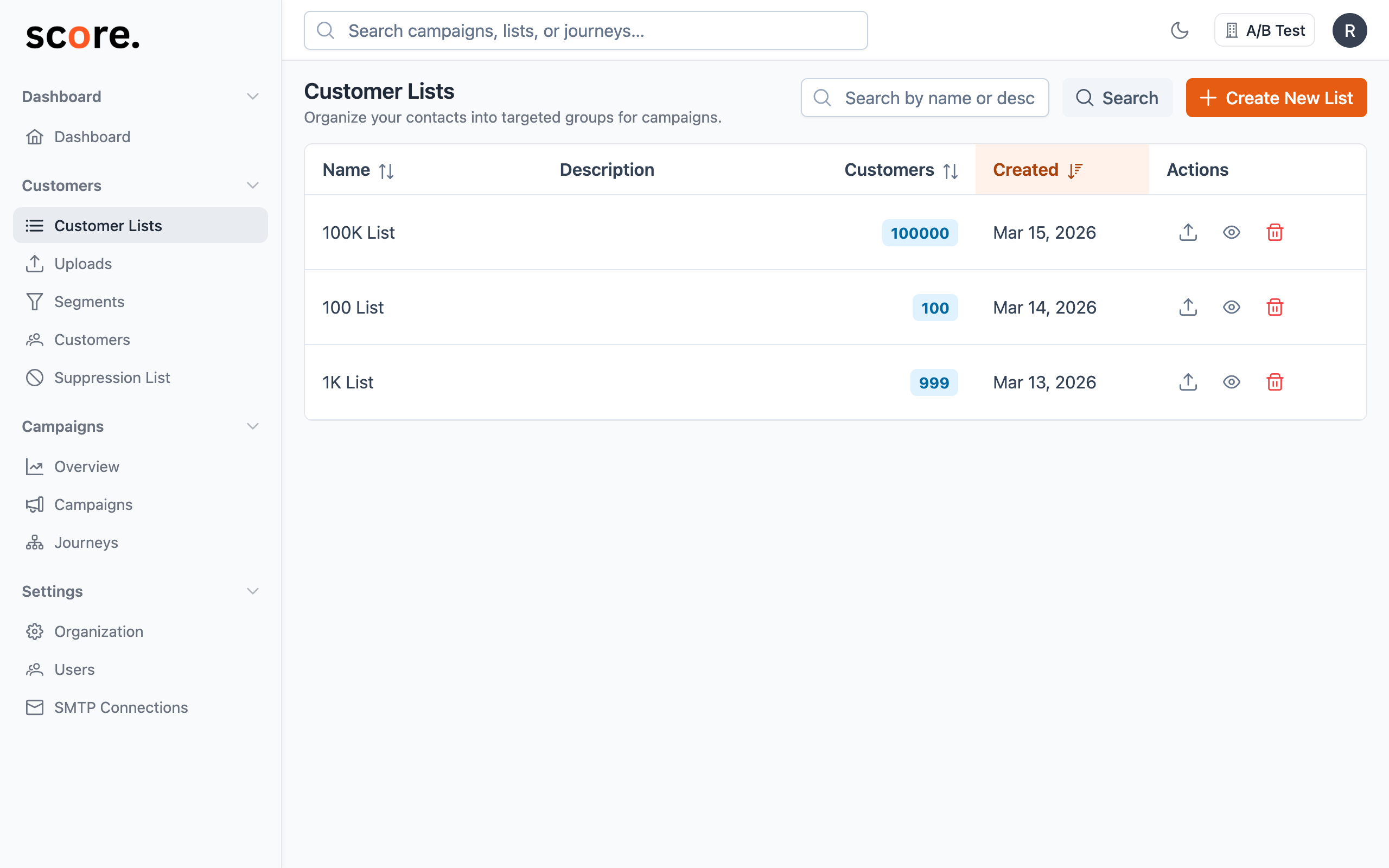
Why Use Lists?
Lists give you a straightforward way to group contacts by source, campaign, or purpose:
- "Newsletter Subscribers" — everyone who signed up for your weekly digest
- "Black Friday 2025 Leads" — contacts from a specific promotion
- "Webinar Attendees — March 2026" — people who registered for an event
- "Enterprise Prospects" — high-value leads your sales team identified
- "January Upload" — a batch of contacts imported at a specific time
A single contact can belong to multiple lists, so there's no need to worry about overlap.
Creating a List
- Go to Customers → Lists
- Click Create List
- Give it a clear, descriptive name
- Click Save
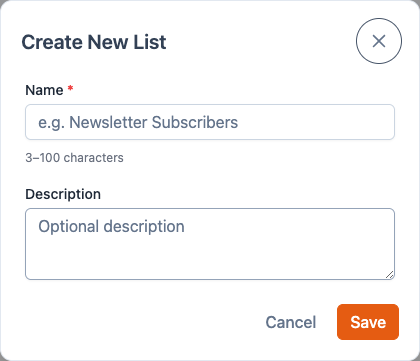
Your new list starts empty. Next, import contacts into it by uploading a CSV.
Browsing Contacts in a List
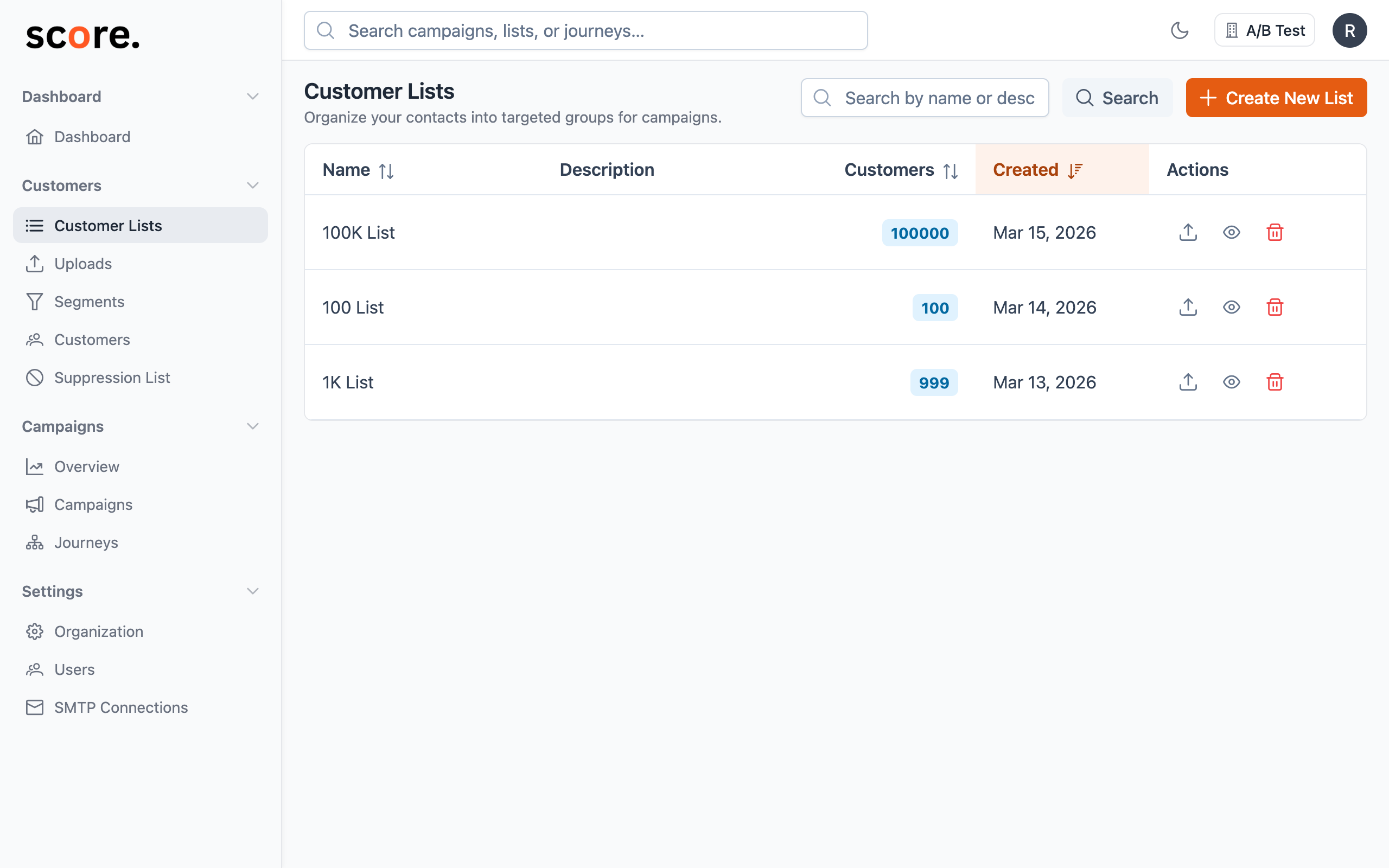
Click on any list to see who's in it. You can browse through contacts and see their details — name, email, location, score, custom fields, and whether they're suppressed.
What You Can Do with Lists
| Action | What it does |
|---|---|
| View | See all contacts in the list |
| Rename | Change the list name |
| Upload | Add more contacts by importing another CSV |
| Delete | Remove the list (your contacts are not deleted — they stay in Score CRM and in any other lists they belong to) |
Using Lists in Campaigns
When you create a campaign, you choose your audience by adding lists (and segments). For each list, you decide:
- Include — send to everyone on this list
- Exclude — skip anyone on this list, even if they appear in another included list or segment
This gives you flexible control. For example, you could include your "Newsletter Subscribers" list but exclude your "Unresponsive Contacts" list to focus on engaged readers.
Lists vs. Segments — When to Use Which
| Lists | Segments | |
|---|---|---|
| How they work | You manually add contacts (via CSV import) | Contacts are automatically included based on rules you define |
| Updates | Static — contacts stay until you add or remove them | Dynamic — the audience updates automatically as contact data changes |
| Best for | Imports, specific groups, one-time audiences | Targeting by behavior, attributes, or engagement |
The power move: Use lists for importing and organizing, then use segments for smart, dynamic targeting when you send campaigns.
Tips for Keeping Lists Organized
- Use descriptive names — "Q1 2025 Webinar Attendees" beats "List 3"
- Keep them focused — smaller, purpose-specific lists are easier to work with than one giant list
- Clean up old lists — archive or delete lists you no longer need to keep your workspace tidy
- Combine with segments — lists are great for organizing; segments are great for targeting. Use both together for the best results.