Segments — Smart, Always-Updated Audiences
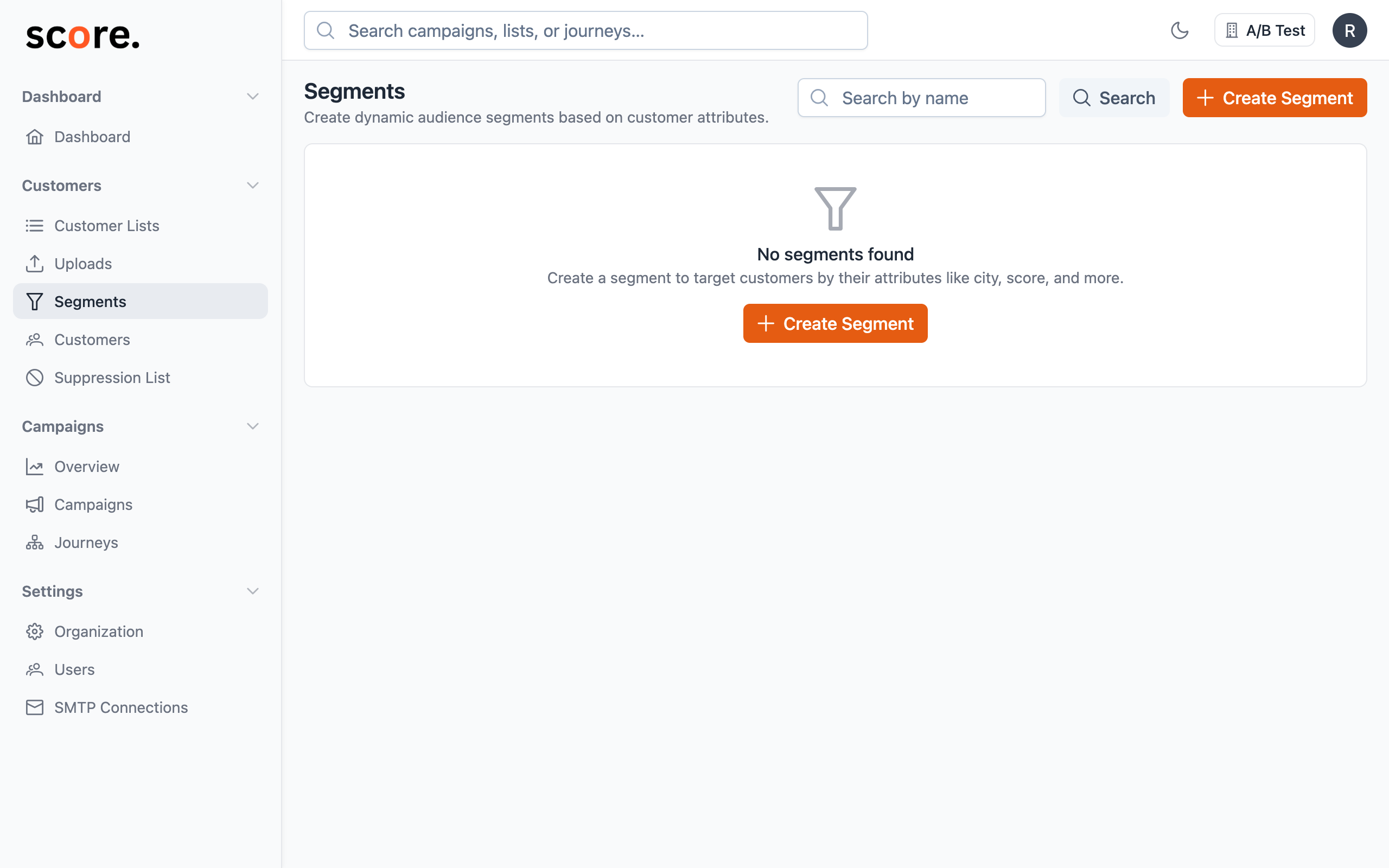
Ever wished your email lists could update themselves? That's exactly what segments do.
A segment is a saved set of rules that automatically finds the right contacts for you — every single time you use it. No re-uploading CSVs, no manually removing unsubscribers, no stale data.
Why Marketers Love Segments
Lists are snapshots. Segments are living audiences.
When you upload a CSV list, it captures your audience at that moment. But your audience changes every day — people sign up, open emails, unsubscribe, or go quiet. A list can't keep up.
A segment stays current automatically. Define your rules once ("customers in New York who opened an email in the last 30 days"), and Score CRM finds the matching contacts fresh every time you send a campaign or trigger a journey.
Real examples of what you can do
- Target your most engaged subscribers — people who clicked an email in the last 2 weeks
- Win back inactive contacts — people who haven't opened anything in 90 days
- Send location-specific promotions — customers in specific cities or countries
- Reach high-value users — filter by plan type, engagement score, or any custom data you've uploaded
- Exclude recent buyers — so you don't send a discount to someone who just paid full price
How Segments Stay Fresh
Here's the magic: segments don't store a list of contacts. They store your rules. Every time you launch a campaign or check the audience size, Score CRM runs those rules against your latest contact data and pulls the current matches.
That means:
- A contact you imported 5 minutes ago? Included, if they match.
- Someone who unsubscribed yesterday? Automatically excluded.
- A subscriber who just opened your last campaign? They'll show up in your "engaged" segment instantly.
Segments vs. Lists — When to Use Each
| Lists | Segments | |
|---|---|---|
| What it is | A fixed group of uploaded contacts | A smart audience defined by rules |
| Stays up to date? | No — you need to re-upload | Yes — updates automatically |
| Best for | One-time imports, fixed exclusions | Ongoing targeting, behavioral audiences |
| Example | "Contacts from the March tradeshow" | "Active subscribers in the US" |
Pro tip: You can combine both. For example, target a segment ("engaged premium users") but exclude a list ("people who already received this offer").
Where You Can Use Segments
Once you've created a segment, you can use it across Score CRM:
- Campaigns — Target or exclude specific audiences when sending emails
- Journeys — Automatically start contacts on an automated sequence when they match a segment, or branch the journey based on segment membership
- Audience previews — Check how many people match your rules before you send anything
Ready to Create Your First Segment?
- Create Your First Segment — step-by-step walkthrough
- Preview Your Audience Size — see how many people match before you send