Preview Your Audience Size
Before you hit send on any campaign, you want to know: how many people will actually receive this email? Score CRM lets you check in seconds.
Previewing a Segment
While building or editing a segment, click Preview (or Estimate Count) to instantly see how many contacts match your rules.
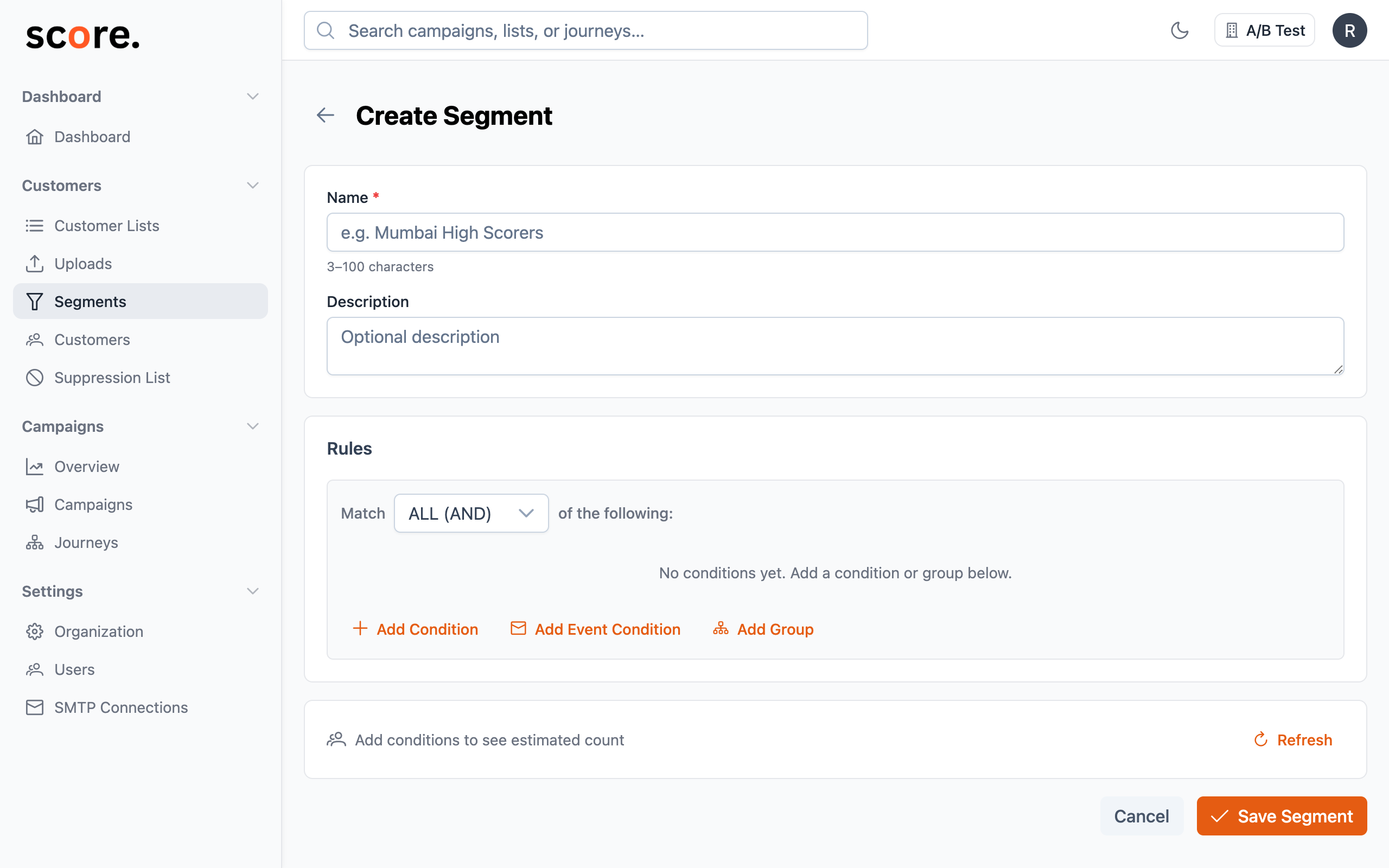
This runs your rules against your live contact data — so the number you see is always current. Use this to:
- Sanity-check your targeting — does the audience size match your expectations?
- Fine-tune your rules — too many contacts? Add another condition. Too few? Relax a filter.
- Experiment freely — you can preview without saving, so try different rule combinations until you find the right audience.
Results come back fast — usually under 3 seconds, even if you have millions of contacts.
Estimating Campaign Recipients
When you're setting up a campaign, the audience might include multiple segments and lists, with some included and some excluded. Click Estimate Recipients to get the final count.
Score CRM calculates this by:
- Combining all your included lists and segments
- Removing anyone in your excluded lists and segments
- Removing suppressed contacts (bounced, unsubscribed, or complained)
- Showing you the final number — the actual emails that would go out
This gives you a realistic picture of your send volume before you commit.
Keep in Mind
The preview is a snapshot of right now. Between the time you preview and when the campaign actually sends, the number could shift slightly because:
- New contacts may have been imported
- Some contacts may have unsubscribed
- Segment rules are dynamic, so the matching audience can change naturally
For scheduled campaigns, the final recipient count is calculated at launch time, not when you schedule it. So if you schedule a campaign for next Tuesday, the audience is resolved on Tuesday — giving you the most up-to-date targeting.
Tips for Using Previews Effectively
- Always preview before launching — it takes seconds and can save you from accidentally emailing too many (or too few) people
- Compare against your expectations — if you expected 10,000 recipients but see 500, double-check your rules
- Check your exclusions — make sure your excluded segments aren't accidentally removing most of your audience
- Watch the suppression gap — if the estimated count is much lower than your total list size, you may have a lot of bounced or unsubscribed contacts that need attention