Understand Your Results
After you send a campaign, Score CRM gives you a detailed breakdown of how it performed — updated in real time as people open, click, and engage.
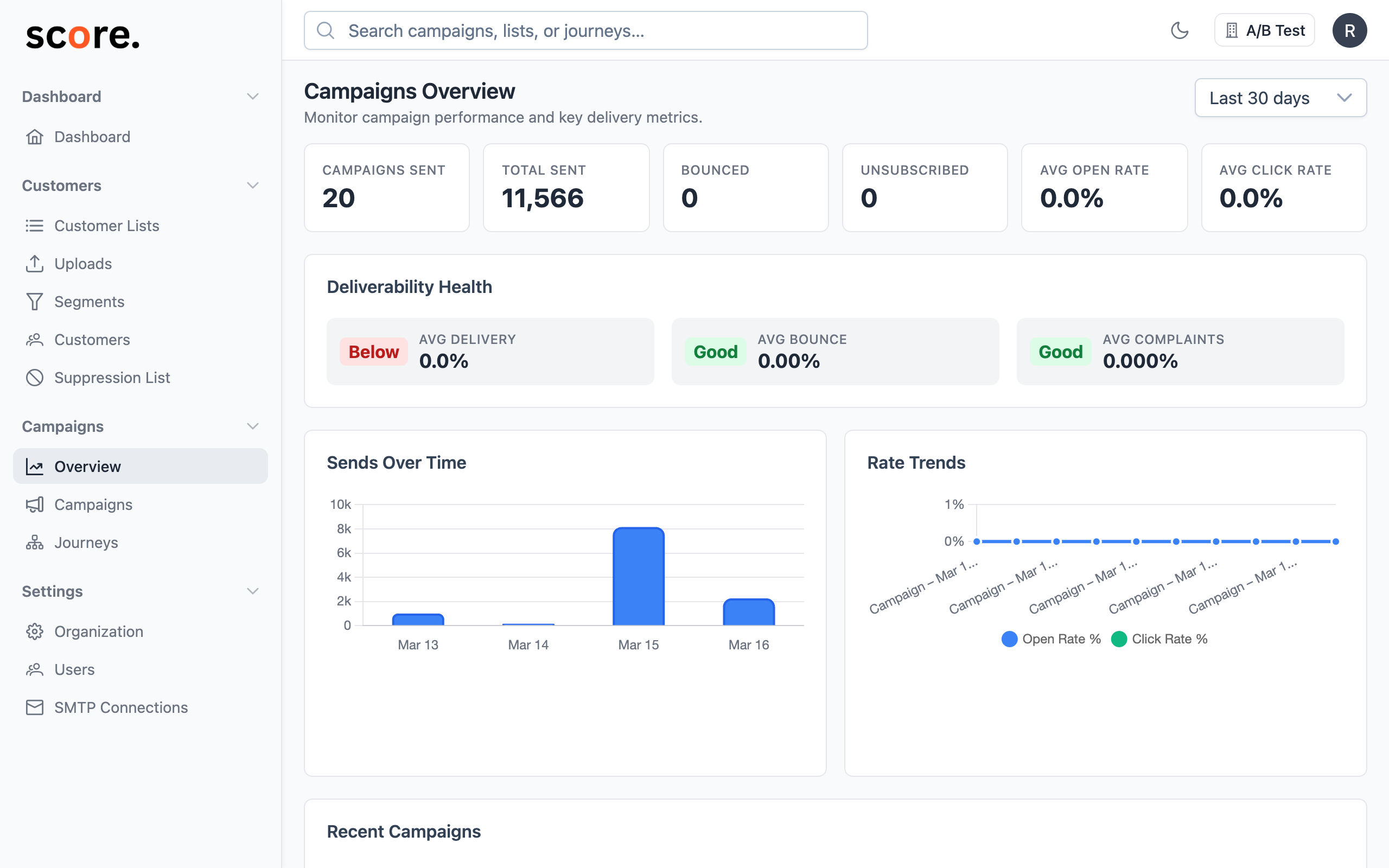
Go to Campaigns → [Your Campaign] to see the report.
The Big Numbers
At the top of every report, you'll see the metrics that matter most:
| Metric | What it tells you |
|---|---|
| Targeted | How many contacts the campaign was aimed at (your segment / list size) |
| Quota | The cap you set on Max Emails to Send for this campaign — only shown if you set one. See Delivery Settings → Email Quota. |
| Sent | How many emails went out |
| Skipped due to quota | How many contacts were in your audience but were not sent because the quota stopped the campaign first. Only shown when a quota was set and it was lower than the audience. |
| Delivered | How many actually made it to inboxes |
| Opened | How many people opened your email |
| Clicked | How many people clicked a link |
| Bounced | How many emails couldn't be delivered |
| Complained | How many people marked it as spam |
| Unsubscribed | How many people opted out |
If a campaign finished because it hit your quota, you'll see its status as Completed (quota reached) in the campaign list — that's normal and means the cap did its job.
Key rates to watch
- Open Rate = Opens / Sent — are people interested enough to look?
- Click Rate = Clicks / Sent — are people taking action?
- Click-to-Open Rate = Clicks / Opens — for people who opened, how compelling was the content?
- Bounce Rate = Bounces / Sent — is your list clean? High bounces hurt your sender reputation.
- Complaint Rate = Complaints / Sent — are you emailing people who don't want to hear from you? Keep this under 0.1%.
Engagement Over Time
A timeline chart shows when people opened and clicked, hour by hour. This helps you understand:
- When your audience is most active — useful for scheduling future campaigns
- How quickly people engage — most opens happen in the first few hours
- The long tail — some people open emails days later
Which Links Got Clicked
Every link in your email is tracked individually, so you can see:
- Which links got the most clicks
- How many unique people clicked each link
- Who clicked what (drill down to specific recipients)
This tells you what content and calls-to-action resonated most.
Where Your Audience Is
Geographic breakdowns show opens and clicks by country and city. Useful for:
- Understanding where your engaged audience lives
- Planning location-specific campaigns
- Identifying markets where engagement is strong (or weak)
ISP Breakdown — Deliverability by Mailbox Provider
The ISP Breakdown tab shows how your campaign performed at each major mailbox provider. This is essential for diagnosing deliverability issues that may be hidden in your overall numbers.
What you'll see
A table with one row per ISP (Gmail, Microsoft, Yahoo, Apple, Other) showing:
| Column | Description |
|---|---|
| Sent | Emails sent to recipients at that ISP |
| Delivered | How many were accepted by the ISP's servers |
| Delivery % | Delivered / Sent — color-coded green (95%+), yellow (90–95%), red (under 90%) |
| Opens / Open % | Opens among delivered emails |
| Clicks / Click % | Clicks among opened emails |
| Bounces / Bounce % | Bounces as a percent of sent — highlighted red when 5%+ |
| Complaints / Complaint % | Spam complaints — highlighted red when 0.3%+ |
ISP groupings
Score CRM groups common email domains into major providers:
- Gmail — gmail.com, googlemail.com
- Microsoft — outlook.com, hotmail.com, live.com, msn.com, outlook.co.uk, hotmail.co.uk
- Yahoo — yahoo.com, yahoo.co.uk, yahoo.co.in, ymail.com, aol.com, rocketmail.com
- Apple — icloud.com, me.com, mac.com
- Other — all remaining domains (corporate, regional ISPs, etc.)
Expanding "Other" domains
Click Show Top Other Domains to see the highest-volume non-major domains. This helps identify corporate domains or regional providers that may need attention.
When to use ISP analytics
- Low delivery at one ISP? You may have a reputation issue with that specific provider. Check your SPF/DKIM/DMARC and sending patterns.
- High bounces at Gmail but not others? Gmail might be blocking you — review Google Postmaster Tools.
- High complaints at Yahoo? Your list hygiene for Yahoo addresses may need improvement.
Organization-level ISP trends
Want to see ISP performance across all your campaigns over time? Go to Campaigns > Overview and click the ISP Analytics tab for the full organization-level view with trend analysis and ISP comparison. See ISP Analytics for details.
How People Read Your Email
Device and client stats show you:
- Email clients: Gmail, Outlook, Apple Mail, Yahoo, etc.
- Devices: Desktop vs. mobile vs. tablet
- Browsers: What people use when they click through
If most of your audience reads on mobile, make sure your emails are mobile-friendly.
Drilling Down to Individual Recipients
The recipient browser lets you see every person who received the email:
- Filter by status — show only people who opened, clicked, bounced, etc.
- See the exact timestamp of each event
- Identify your most engaged recipients
A/B Test Results
If your campaign used A/B testing, the report includes:
- Per-variant breakdown — how each version performed
- Visual heatmap — a matrix showing all variant combinations and their results
- Winner highlight — which variant won and by what margin
Exporting Your Data
Need the data in a spreadsheet? Export as CSV:
- Recipients export — full list with engagement data for each person
- Event log export — every open, click, bounce, and complaint with timestamps
Real-Time Updates
Reports update live — as soon as someone opens your email or clicks a link, it shows up. No waiting, no delays. Even for campaigns with millions of recipients, the report loads instantly.