Campaign Lifecycle
Every campaign in Score CRM follows a defined lifecycle with clear states and allowed transitions.
Campaign States
Draft
The initial state for all new campaigns. In draft state:
- ✅ All fields are fully editable
- ✅ You can send test emails
- ✅ You can estimate recipients
- ✅ You can delete the campaign
- ❌ No emails are being sent
Scheduled
The campaign is set to launch at a future date/time:
- ✅ You can edit the campaign (returns it to draft first)
- ✅ You can unschedule (returns to draft)
- ❌ No emails are being sent yet
- The system automatically transitions to
runningwhen the scheduled time arrives
Running
The campaign is actively sending emails:
- ❌ Cannot edit content, targeting, or settings
- ✅ Can pause to temporarily halt sending
- ✅ Can cancel to permanently stop
- ✅ Can view real-time sending progress and stats
- Recipients are processed in batches
Paused
Sending is temporarily halted:
- ❌ Cannot edit the campaign
- ✅ Can resume to continue sending from where it left off
- ✅ Can cancel to permanently stop
- No emails are sent while paused
- Already-sent emails are not affected
Completed
All recipients have been processed:
- ❌ Cannot edit or resend
- ✅ Full reports and analytics are available
- ✅ Can duplicate to create a new campaign based on this one
- ✅ Can archive to hide from the active campaign list
Failed
A fatal error occurred during sending:
- ❌ Cannot resume
- ✅ Can view partial reports for emails already sent
- ✅ Can duplicate and retry with a new campaign
- Investigate the error in your logs
Cancelled
The campaign was manually cancelled:
- ❌ Cannot resume or restart
- ✅ Can view partial reports for emails already sent
- ✅ Can duplicate to create a new campaign
Archiving
Completed and cancelled campaigns can be archived to declutter your campaign list. Archived campaigns:
- Are hidden from the default campaign list
- Can be viewed by toggling the archive filter
- Can be unarchived at any time
- Retain all data and reports
What Happens When You Launch
When you click Launch, the following sequence occurs:
- Validation: The system verifies all required fields are set (subject, from email, content, targets, SMTP)
- Recipient Resolution: All targets (lists + segments) are resolved, minus exclusions and suppressions
- SMTP Assignment: For percentage-split mode, each recipient is assigned an SMTP connection
- Sending Begins: Emails are sent in batches to your configured SMTP provider(s)
- Progress Tracking: Campaign stats are updated in real-time as events flow in
Monitoring Progress
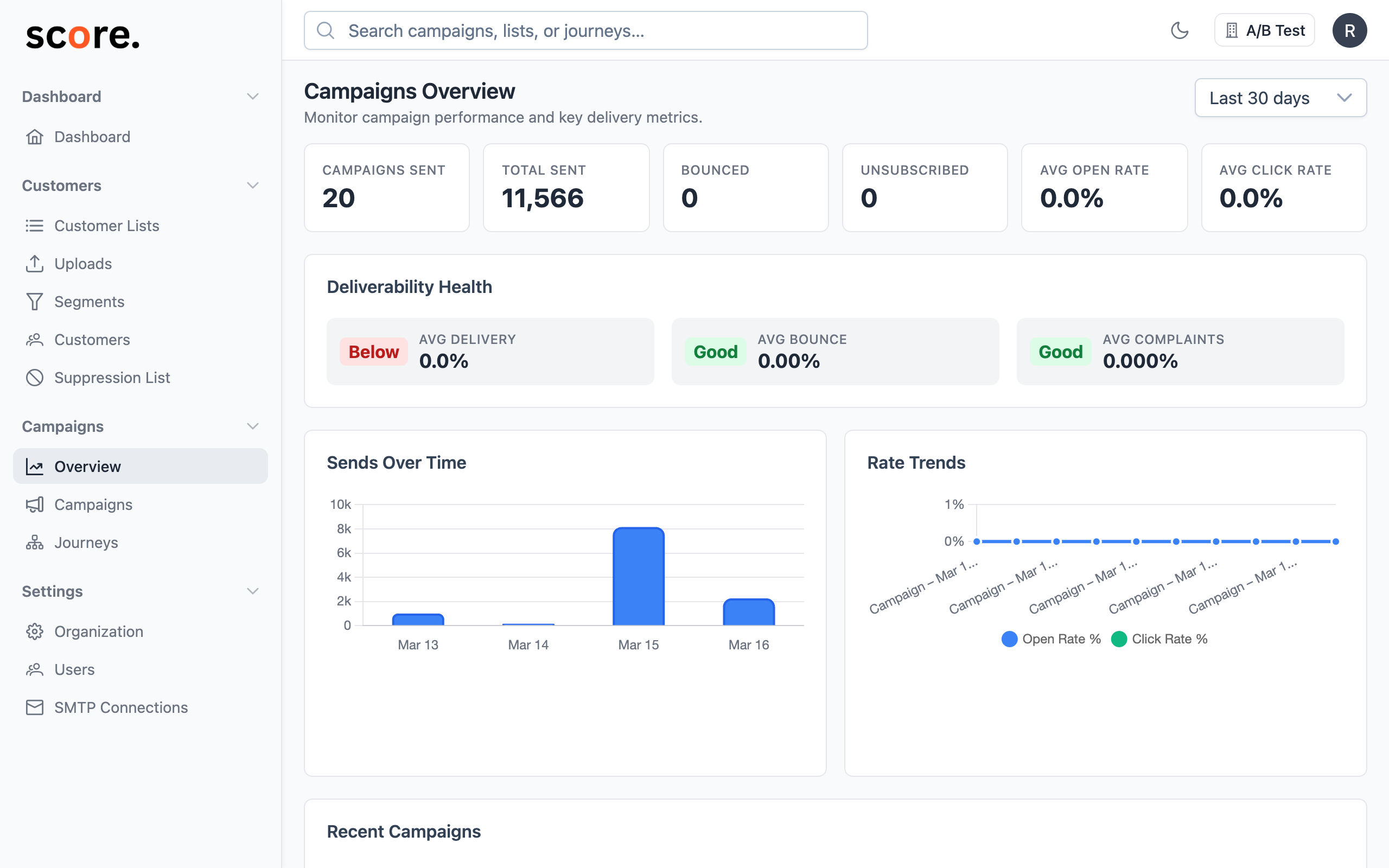
While a campaign is running, the Campaign View page shows:
- Total recipients and emails sent so far
- Progress percentage
- Real-time event counts (delivered, opened, clicked, bounced)
- Current sending rate