Organization Settings
Organization settings control platform-wide behavior for your Score CRM instance.
Accessing Settings
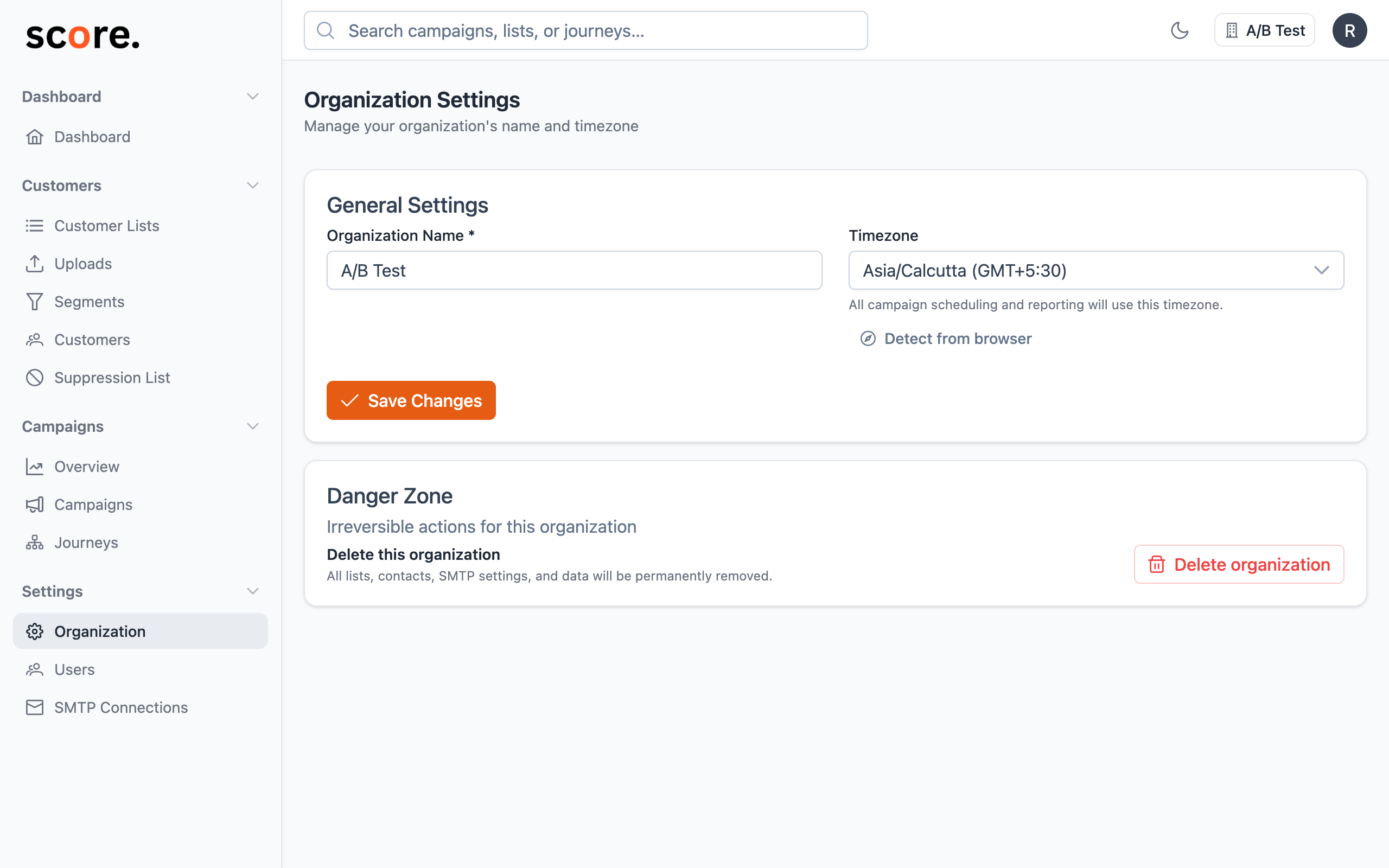
Navigate to Organization Settings in the sidebar. Only Owners and Admins can modify these settings.
General Settings
Organization Name
The display name for your organization, shown in the navigation bar and used for internal reference.
Timezone
The organization's default timezone. This affects:
- Campaign scheduling: When you schedule a campaign for "9:00 AM", it uses this timezone
- Reporting: Date bucketing in charts and reports uses this timezone
- Dashboard: All timestamps displayed in the dashboard use this timezone
Format: IANA timezone string (e.g., America/New_York, Europe/London, Asia/Tokyo)
Choose the timezone where most of your team is located. Individual recipients' timezones can be handled separately with per-recipient timezone delivery (when enabled).
Tracking Settings
Custom Tracking Domain
Configure a branded domain for email tracking URLs. See Custom Tracking Domains for setup instructions.
Data Isolation
Each organization in Score CRM has completely isolated data:
| Resource | Isolation |
|---|---|
| Customers | Separate database per org |
| Campaigns | Fully isolated per org |
| Journeys | Fully isolated per org |
| Segments | Fully isolated per org |
| Lists | Fully isolated per org |
| SMTP Connections | Fully isolated per org |
| Suppression Data | Fully isolated per org |
| Users | Organization membership model |
There is no cross-organization data access. An admin in Organization A cannot see any data from Organization B.